
A smarter way to learn .NET without reading the docs

When learning .NET, most developers usually do one of the following. They either read the official documentation, watch YouTube videos, ask ChatGPT, or buy a course. While all of these approaches are valid, they share a common limitation: they require sitting at a computer and spending long periods reading or watching a screen.
However, there is another way to learn .NET that does not involve being at a desk at all.
The challenge with .NET documentation
Microsoft's documentation is detailed and comprehensive. While this level of detail is valuable, it can also be overwhelming.
Working through every section takes time, and finding the key ideas often requires reading far more than necessary. This raises an important question: is there a faster, more flexible way to understand new .NET concepts?
Using NotebookLM as a learning tool
NotebookLM from Google provides an alternative approach. It's an AI research tool that allows multiple sources to be added, including:
- Web pages
- PDFs
- YouTube videos
- Audio files
Once added, NotebookLM can summarise the content, highlight relationships between topics, and transform the information into different formats.
Building a focused knowledge base
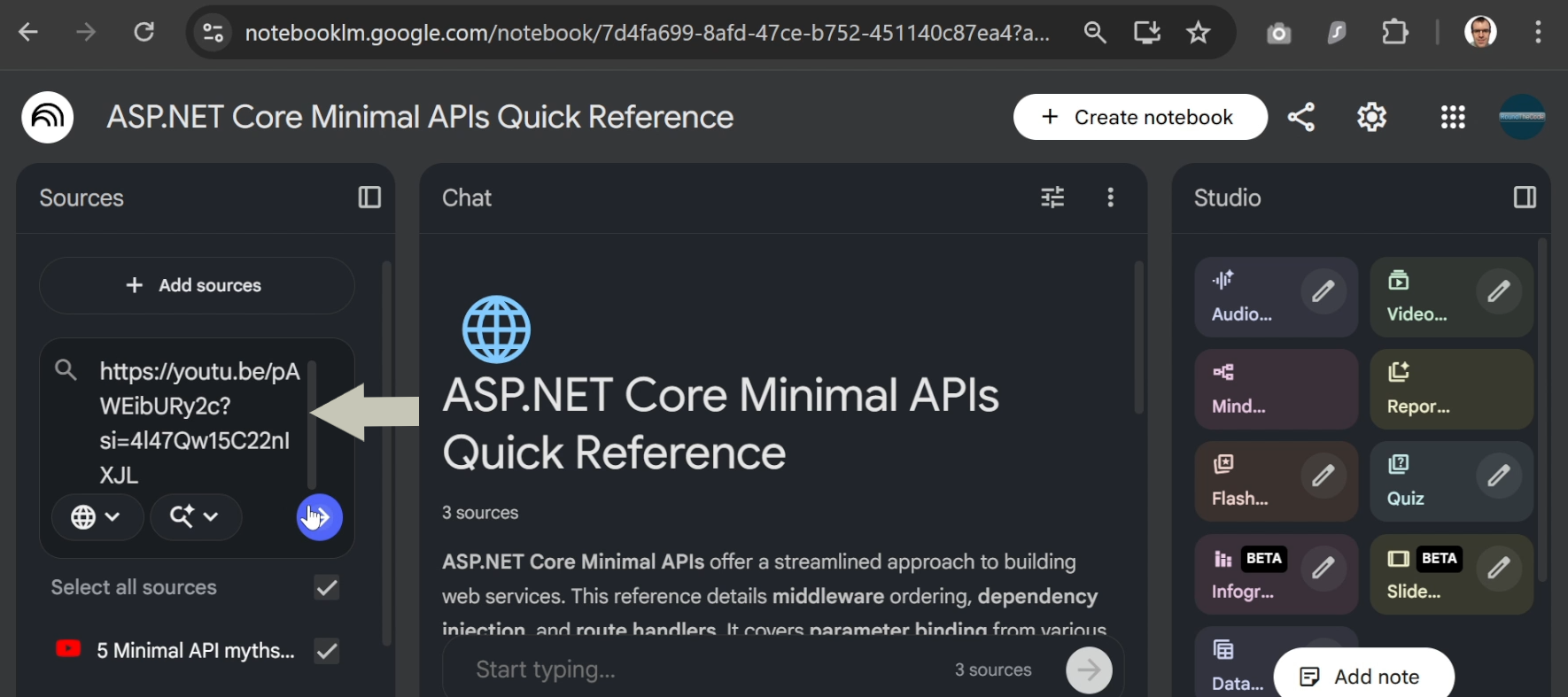
A new notebook can be created around a single .NET topic. Sources might include:
- The official Microsoft documentation pages
- .NET YouTube videos
With just a few links, a focused and curated knowledge base is created without manually reading every source in full.
Turning documentation into a podcast
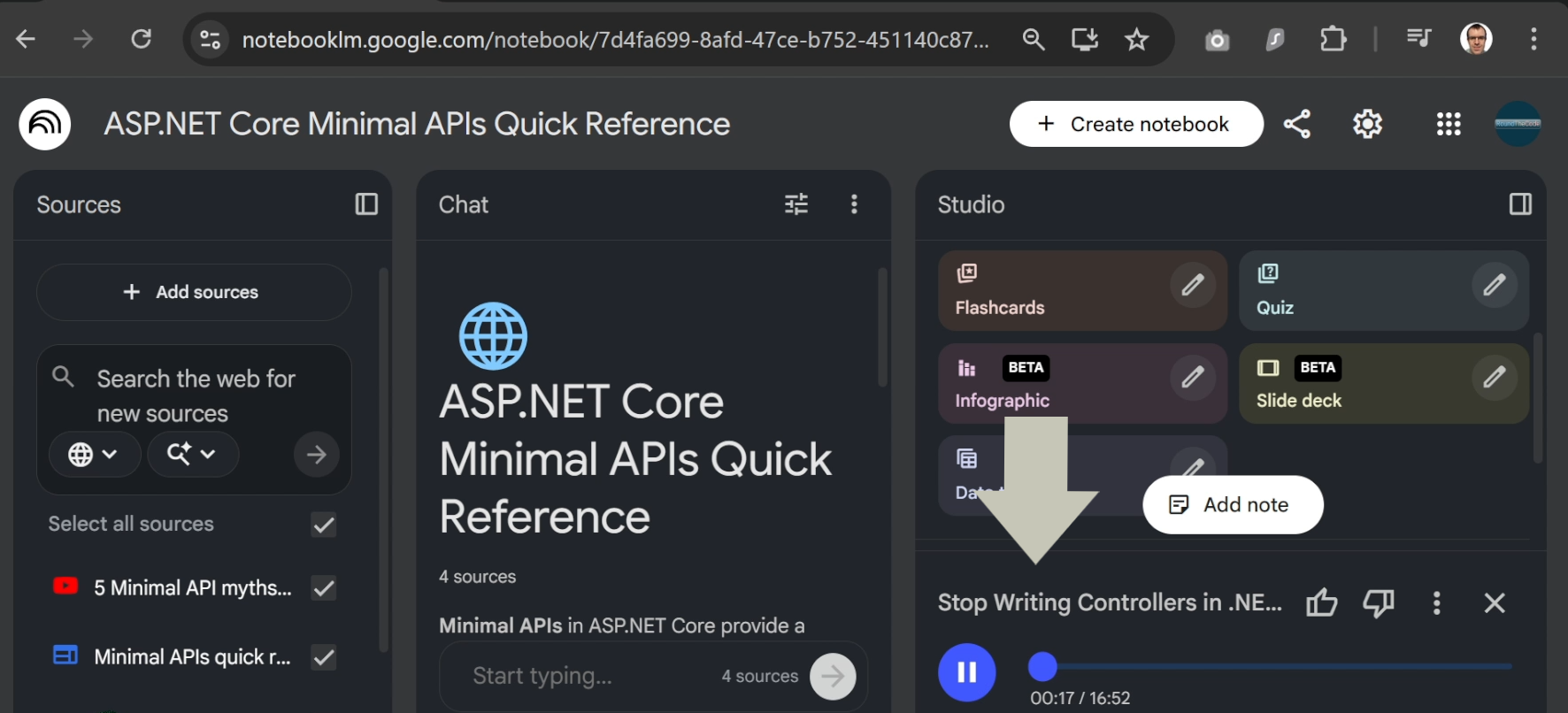
One of the most powerful features of NotebookLM is the audio overview. This feature converts the selected sources into a podcast-style discussion.
The generated audio often starts with high-level concepts before moving into technical detail.
What stands out is the technical accuracy. Complex ideas are explained using simple analogies, making them easier to absorb while listening.
Learning away from the screen
The generated podcast can be downloaded as an M4A file and can be played on a phone. This makes it possible to learn .NET concepts while walking, driving, or exercising.
This approach turns previously unused time into learning time, without requiring constant focus on a screen.
Video overviews and summaries
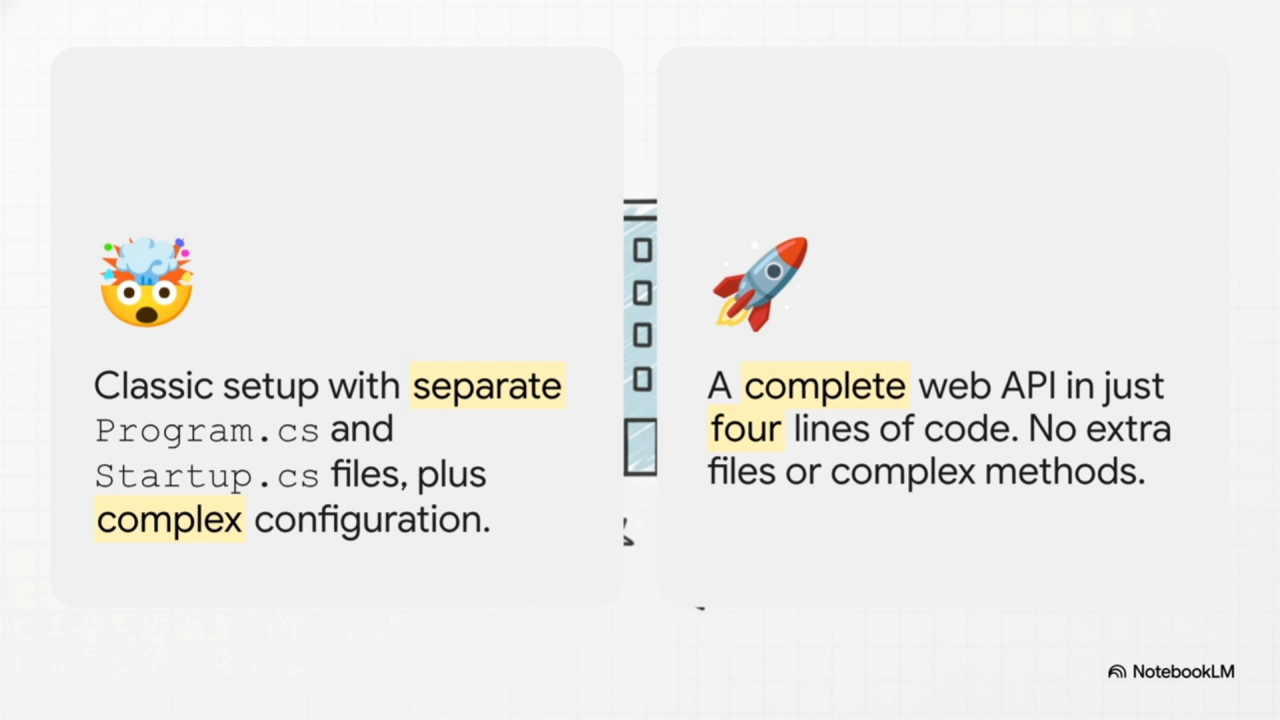
NotebookLM can also generate video overviews. These take the form of narrated slide presentations that summarise key ideas.
While the visuals may not always be perfect, the summaries are useful for reinforcing understanding.
Exploring topics with mind maps
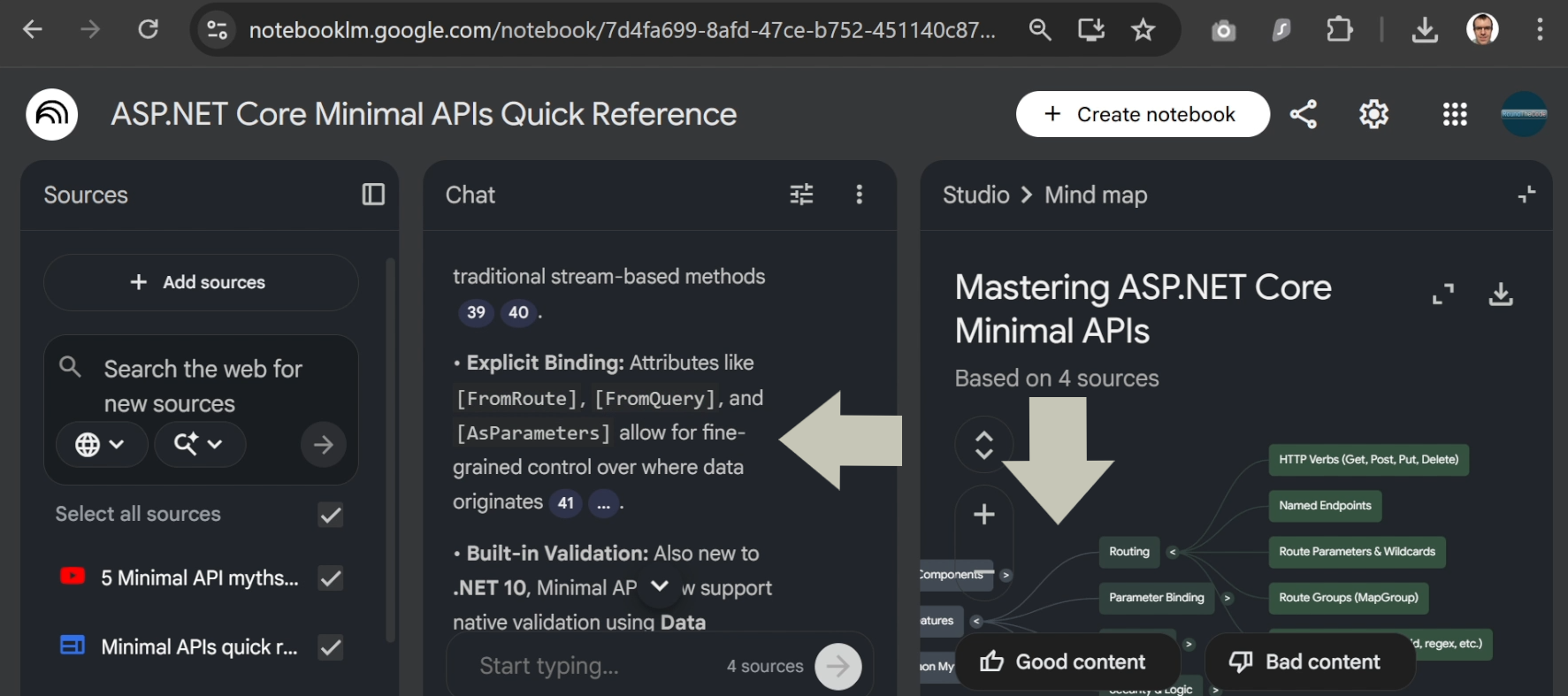
Another useful feature is the mind map generation. Topics can be broken down into different areas.
Each section can be clicked to reveal more detail, which is then added into the chat. This allows concepts to be explored interactively and non-linearly.
Important limitations to keep in mind
All content generated by Notebook LM is AI generated, which means mistakes are possible. It should be treated as a learning aid rather than a definitive source of truth.
Despite this, hands-on experience is still essential. Building a .NET application from start to finish remains the best way to gain real understanding. And you can do that when you buy our Minimal APIs for complete beginners course. You'll build an app from start to finish, such as creating projects, setting up a database, creating endpoints and writing unit tests.
Watch the video
Watch the video where we you'll see clips of the podcast and video presentation that we generated from NotebookLM.
You'll also learn how to create a podcast, video presentation and a mind map.
And if you can download the podcast and video presentation featured in the video if you want to watch or listen to them in full.
Related articles

