
What is Azure DevOps? Learn about the services in this guide

Azure DevOps is a Microsoft platform that provides a number of services allowing teams to project manage, code, develop and deploy applications.
This is great when developing a .NET, or any web application, as we can set up a CI/CD pipeline allowing for automated deployment.
We will look at what Azure DevOps is, how to set up an organization and the services that are provided within a project.
Setting up an Organization
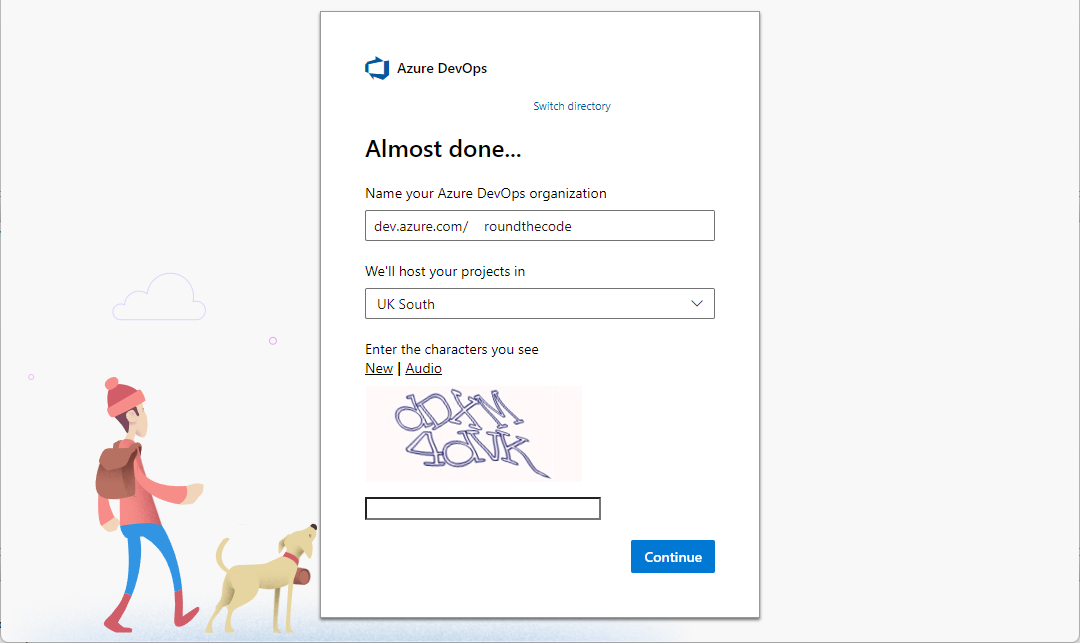
With Azure DevOps, the first thing that needs to be done is to set up an organization. Setting one up involves inputting a name and a location to host the projects.
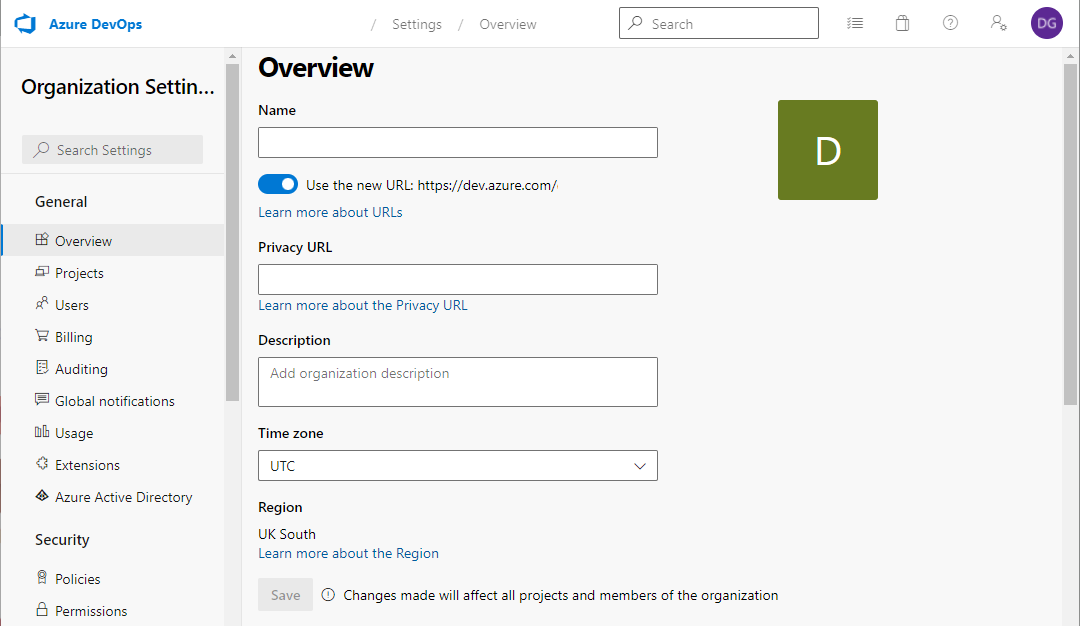
An organization has many settings, such as managing projects, billing details and the users that have access to it. It's also the level where agent and deployment pools are created.
Agent pools are servers that are responsible for building the CI/CD pipelines. They can either be done using an Azure agent pool, or we can setup our own server to act as an agent pool.
Deployment pools are servers where the deployment takes place. When a pipeline is built, it builds up an Artifacts file which is sent to the deployment pool. Like with agent pools, we can either use an Azure agent, or we can setup our own server as a deployment pool.
Creating a new project
With the organization setup, we can go ahead and create projects within it. The good thing about an Azure DevOps organization is that we can create multiple projects within it.
When creating a new project, we can define the name, description and whether the project is publicly visible, or is only set to a limit number of users.
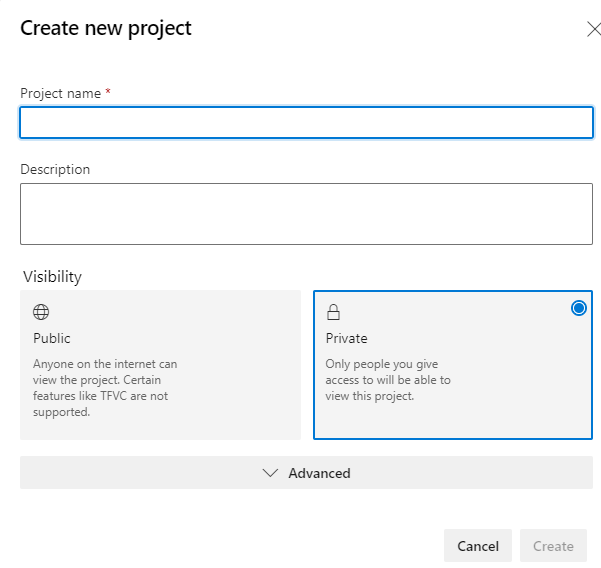
In-addition, there are some more advanced features that we can set, such as whether we are using Git, or Team Foundation Version Control.
What Azure DevOps Services are available?
Now that we have an organization and a project setup, we can start using the services. All these services are optional and can be hidden if they are not being used.
Lets have a look at what is available to us and how to use them.
Azure Boards
Azure Boards is a management tool that allows for planning and tracking work within a project. It also allows to track for code bugs, and any issues relating to Kanban and Scrum methods.
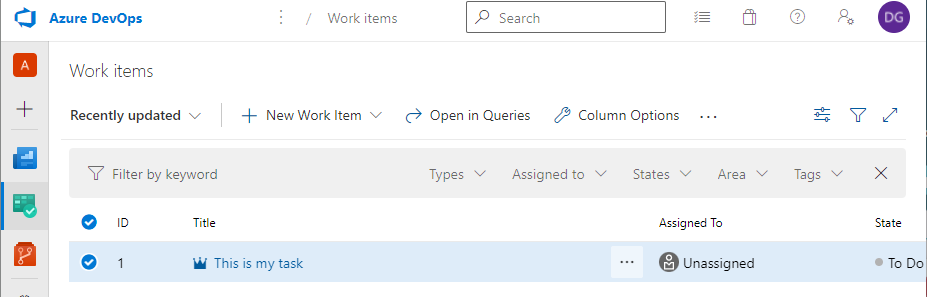
It has many similarilites with Atlassian's Jira that also software for issue and project tracking.
Azure Repos
Azure Repos allows for source control and supports private repositories using either Git or Team Foundation Version Control.
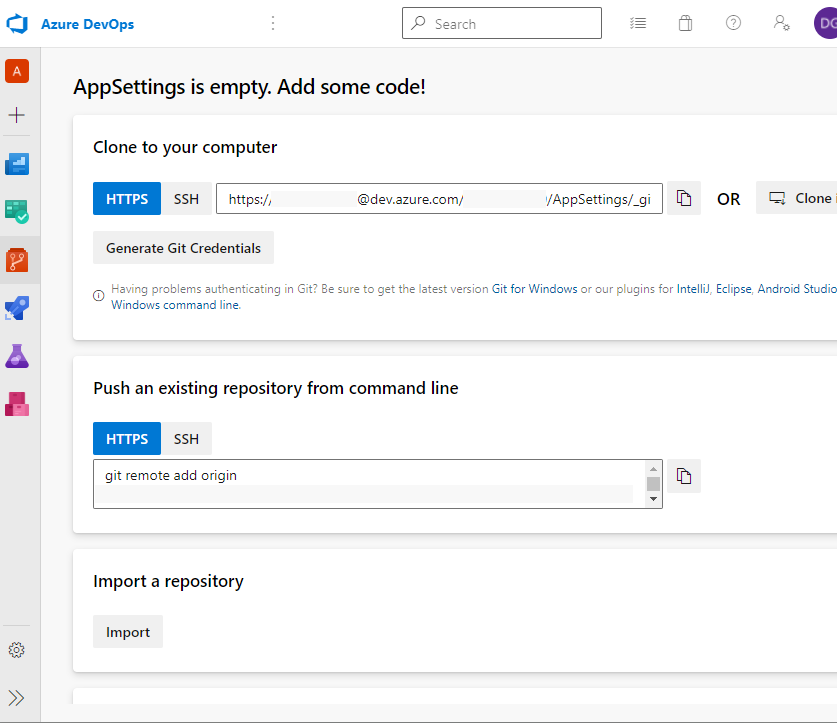
Similar tools include GitHub and BitBucket, which also supports checkout in Azure when building up a pipeline, so it's not essential to host the repo with Azure.
Azure Test Plans
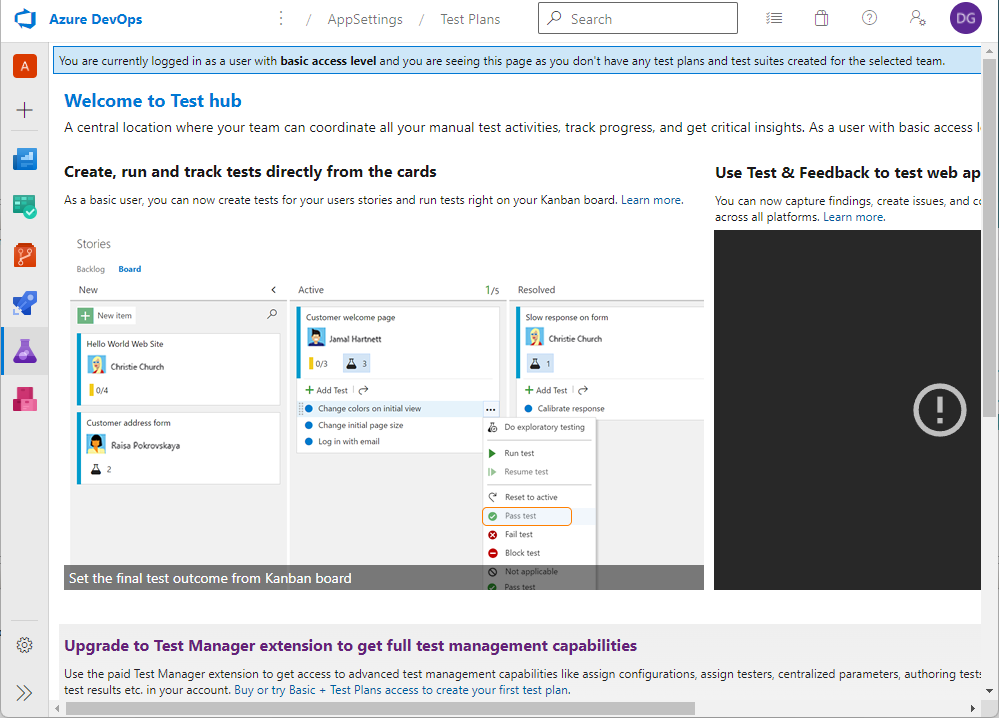
Azure Test Plans allows for tools for testing apps, including continous testing.
It also allows for creating test plans where we can record the steps, the action, and the expected result.
Azure Artifacts
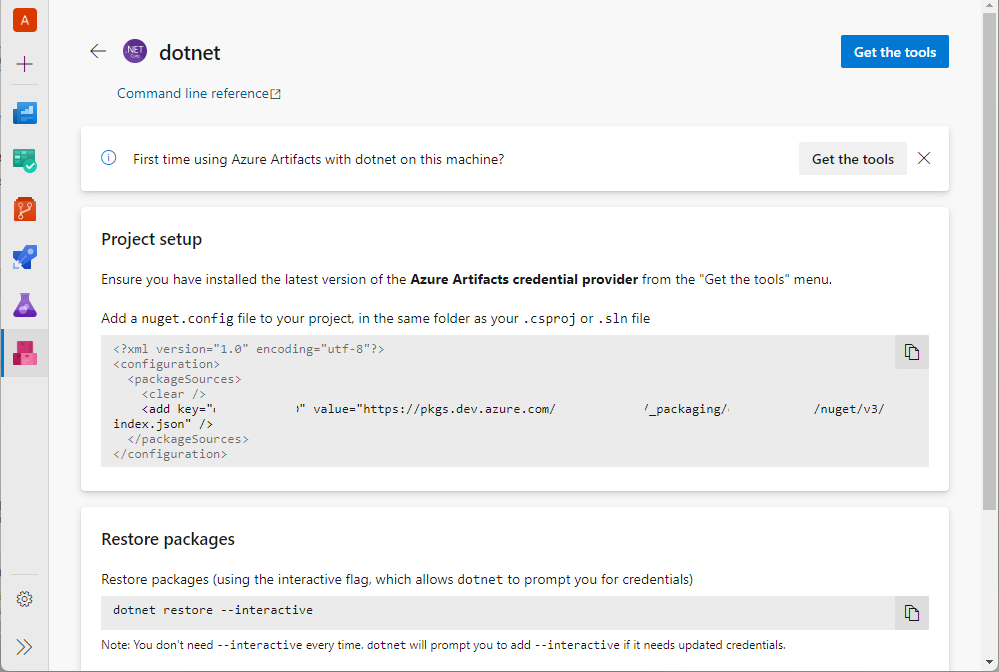
If an application is reliant on an NPM or Nuget package that is not publicly visible, it can be connected up through Azure Artifacts.
With a .NET application, we can push up the Nuget package to Azure by running a dotnet command.
Doing it this way means that we can use the Azure DevOps deployment process without having to make our package externally visible on public networks.
Azure Pipelines
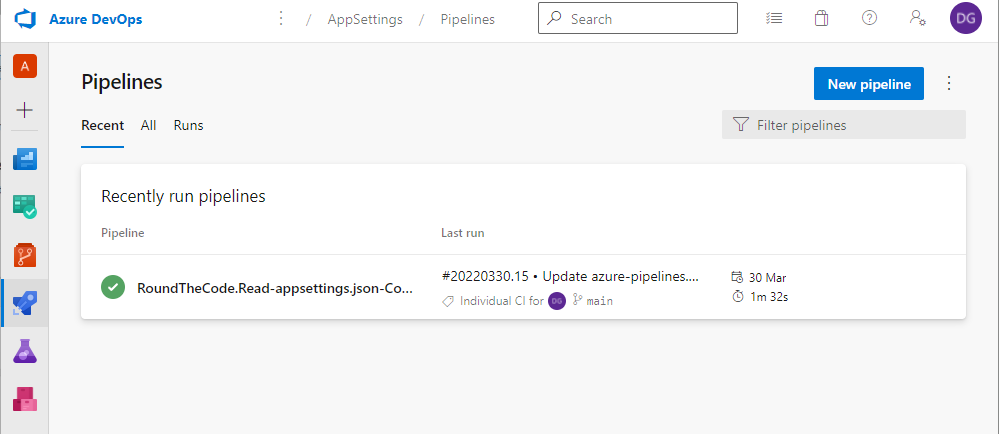
Azure Pipelines allows for the whole CI/CD process to take place.
This section allows to connect to a public Git repo host, such as GitHub and BitBucket, and gives permission to checkout the code and create a YAML file.
The YAML file is a set of rules to create a pipeline, and will include tasks, such as checking out the code, downloading the NuGet packages, building and publishing the application, and creating an Artifacts file with the published files.
Within Azure Pipelines, there is a Releases section. This takes the Artifacts file, uploads it to the deployment server and then launches the deployment through a set of rules.
Hiding features we are not using
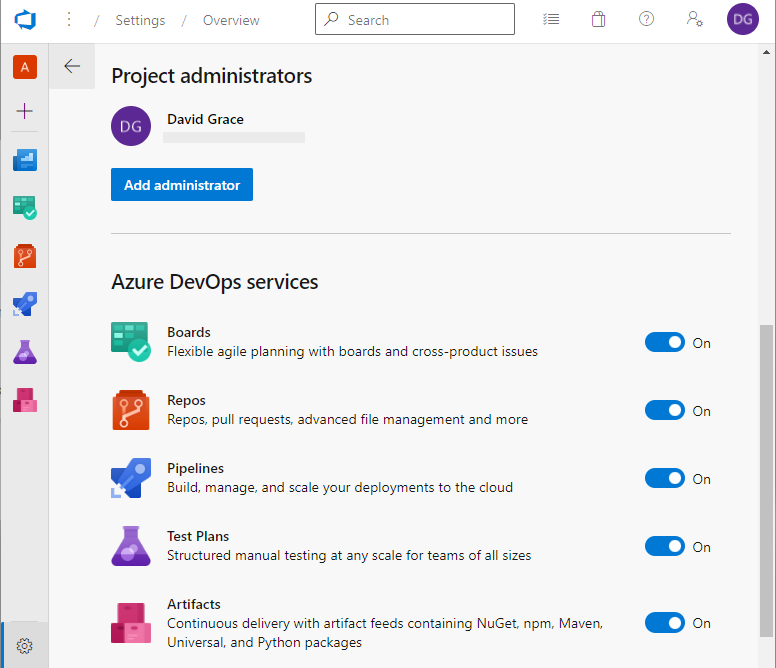
As we said, all these features are optional, and we can hide the features that we are not using.
This is very useful as it cleans up the UI for the project that we are working on.
We can do that by going into the Project Settings, and deselecting the Azure DevOps services that we are not using.
Pricing
All Azure DevOps services are free to try, but come with a price when more than five users are assigned to an organization, or when we wish to run parallel CI/CD pipelines.
There is also the option to install Azure DevOps server to run it in a local environment. For this, a monthly fee applies for each user that is assigned to it.
The Azure DevOps pricing is broken down on the Microsoft website.
More resources
Watch our video where we set up an Azure organization and project, and talk through the different services that are available.
Related pages

